Skip to content
עברית
Bilingual dictation for Claude Code and Mac

Talk naturally.Your text comes out clean.

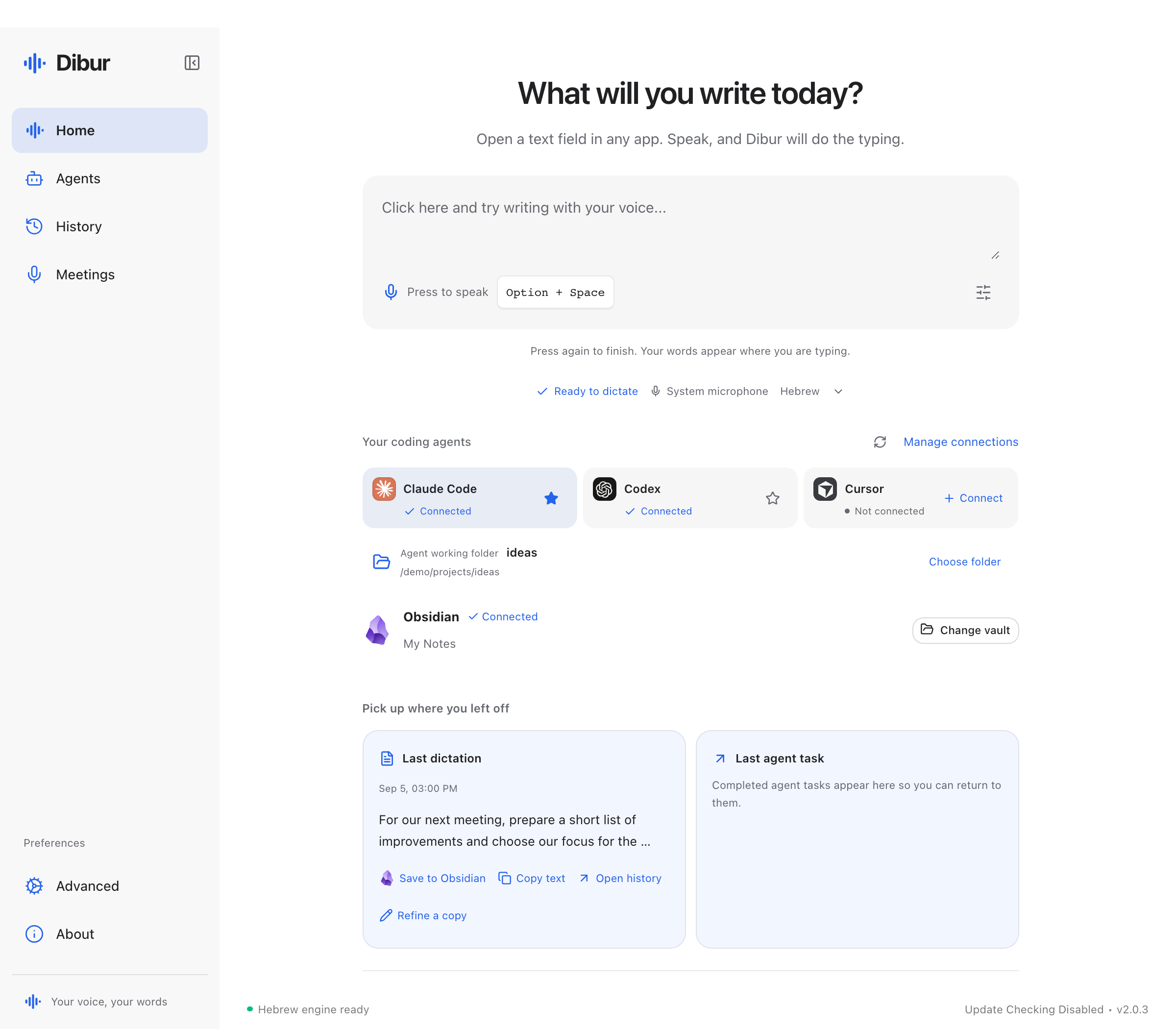
Built for people who work in Claude Code. Speak Hebrew, switch to English and technical terms mid-sentence, and send a clean prompt without fixing every product name.

₪79Launch price, normally ₪199One-time payment • Lifetime license for two Macs, including updates
  • 350+ technical terms
  • Voice stays on your Mac
  • Lifetime license, no subscription
DDibur LiveLive transcriptionClaude Code
What Dibur hears

קלוד, תעבור על הפול ריקווסט, תריץ את הטסטס ותעלה לורסל.

What Claude Code getsHE + EN

Review the latest pull request.

Run the tests and update CLAUDE.md.

If everything is green, deploy it to Vercel.

Listening⌥ SpaceStays on your Mac

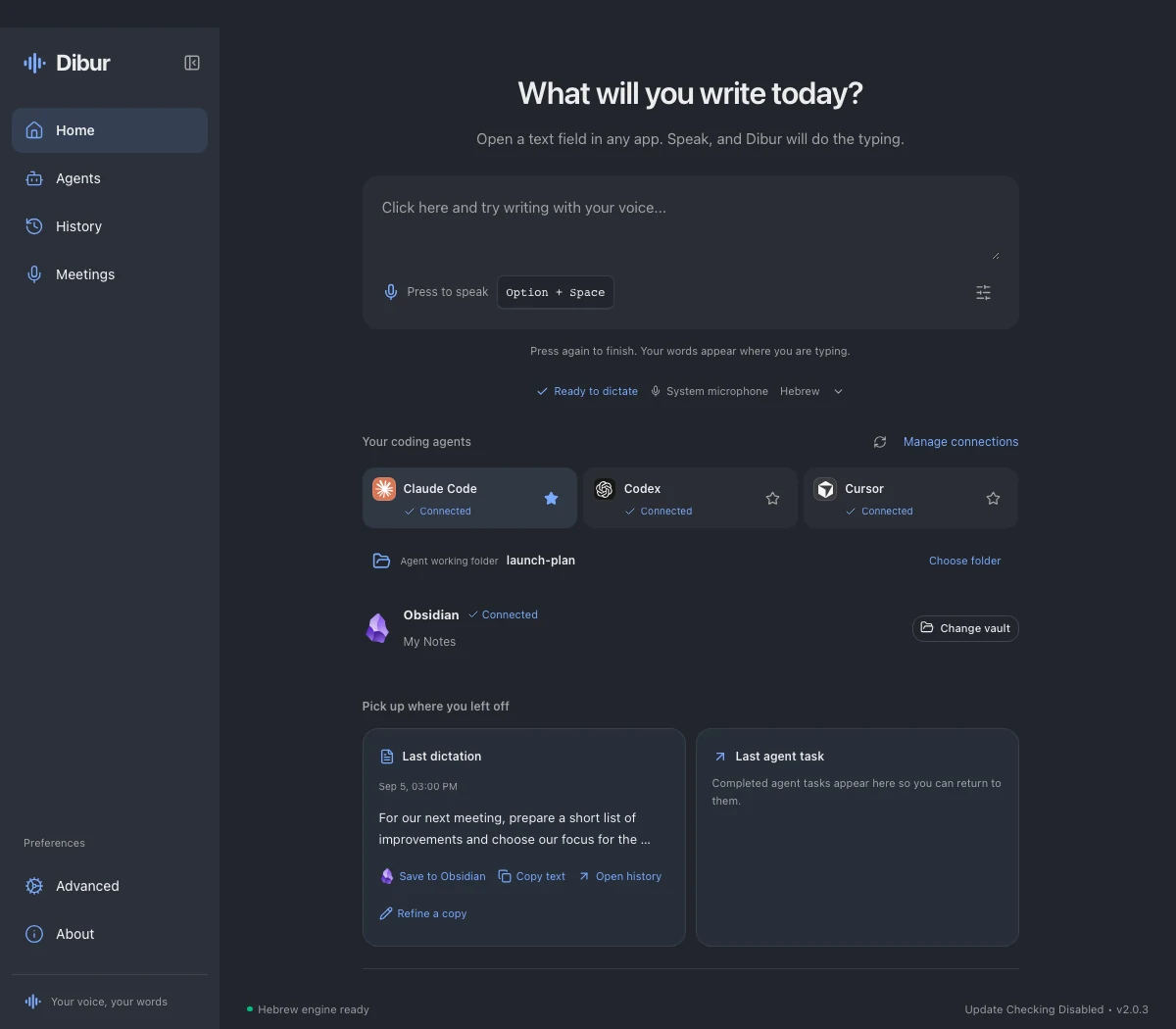
Say it once. The text lands wherever you already work.

  • Claude Code
  • WhatsApp
  • Gmail
  • Slack
  • Notion
  • Chrome
Built for real Claude Code sessions

You can finally speak your prompts in Hebrew.

Keep talking when the sentence switches languages. Dibur handles the Hebrew and preserves the English names, files, commands, and tools you use every day.

You say

קלוד, תפתח פול ריקווסט אחרי הקומיט, תעדכן את קלוד אמדי ותפרוס לורסל.

Dibur types

Claude, תפתח pull request אחרי ה־commit, תעדכן את CLAUDE.md ותפרוס ל־Vercel.

Not raw transcription

Speak normally. Get text that is ready to use.

The transcription model adds punctuation, while Dibur cleans spacing and long paragraphs immediately. There is no second local model slowing you down.

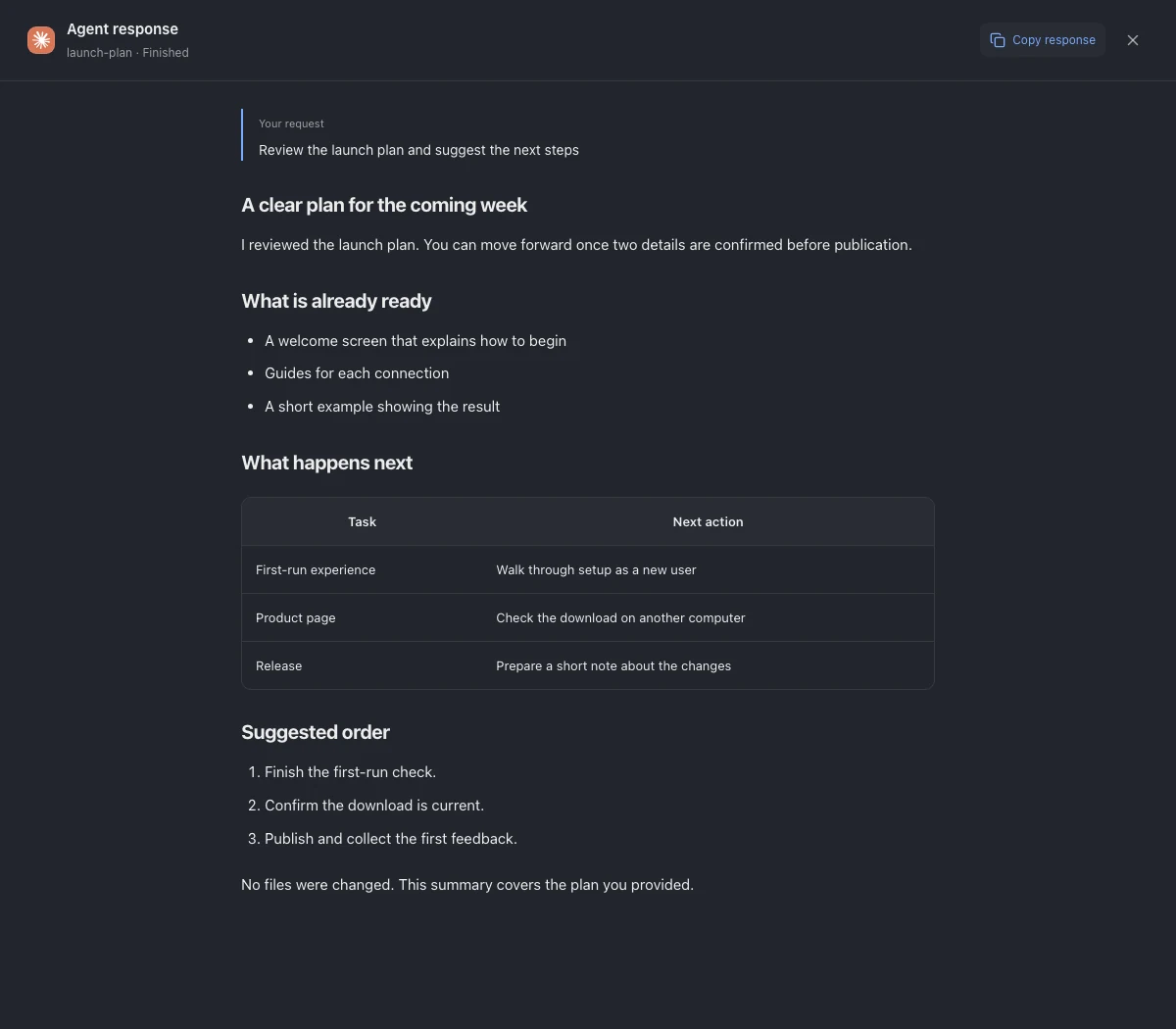
Claude Code

Review the pull request, run the tests, and update CLAUDE.md.

Technical terms stay intact
WhatsApp

I am wrapping this up today.
I will send you a build to test by four.

Ready to send ✓
Email

Good morning,
I am attaching the summary and the steps we agreed on for our next meeting.

Clean text, no copy and paste
Three steps. That is it.

One shortcut. One sentence. Keep working.

  1. 01
    ⌥ Space

    Press

    From any app and any text field.

  2. 02

    Talk

    Hebrew, English, or both in the same sentence.

  3. 03

    Continue

    The text appears exactly where your cursor is.

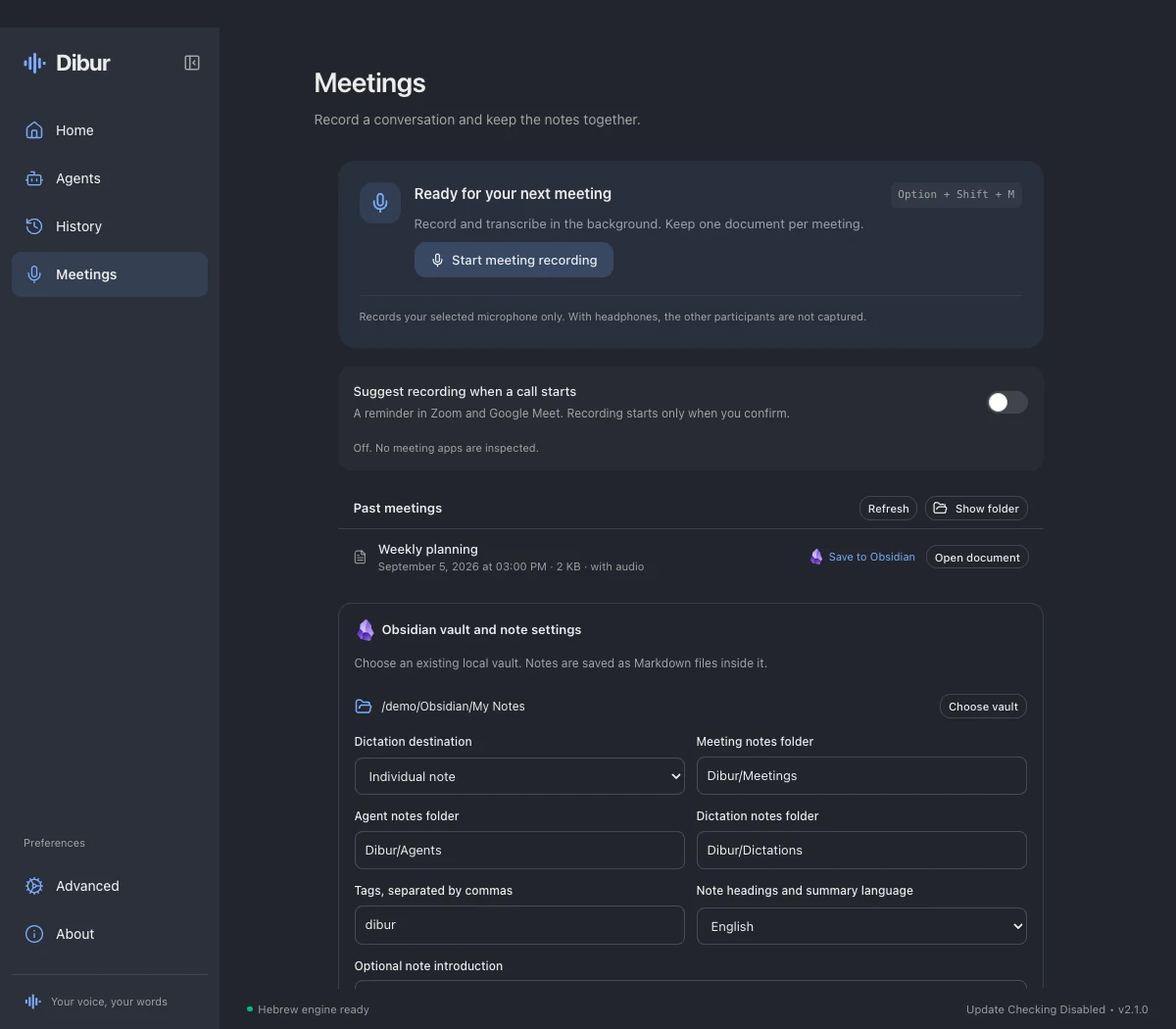
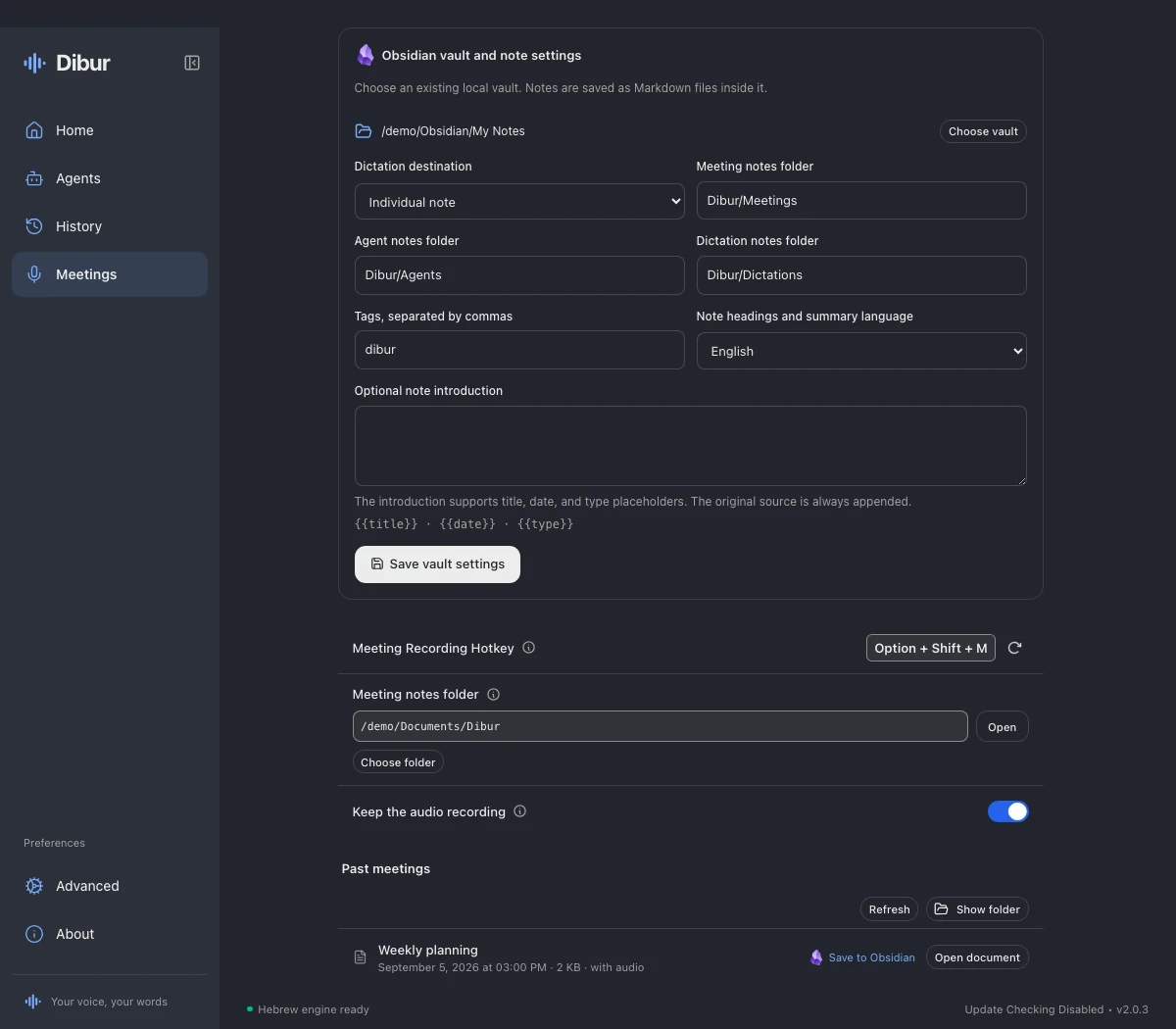
Private by default

Your voice never leaves your Mac.

Transcription runs locally. There is no server listening, no cloud recording, and no account to create. Dibur downloads one Hebrew model of about 874MB on first launch, then transcription works without internet access.

  • A dedicated Hebrew model
  • Local history only
  • Punctuation and paragraphs without a second model
Small in the menu bar. Big in your workday.

Built for Hebrew, English, and AI work.

350+

Terms it already knows

Claude Code, CLAUDE.md, pull request, commit, Supabase, Vercel, and more, even with an Israeli accent.

1

Shortcut to start

Choose it once, then use Dibur from anywhere on your Mac.

0

Recordings uploaded

Your voice, text, and dictation history stay with you.

Dibur for Mac

Say your next prompt.

Available for Apple Silicon and Intel. Install it once, choose a shortcut, and start talking.

₪199₪79

Launch price, normally ₪199 • One-time payment • License for two Macs

  • Apple Silicon and Intel
  • Signed and notarized by Apple
  • Personal license key immediately after payment
  • Product updates included
Buy and download DiburSecure payment is handled by Polar. Your download and personal license key arrive immediately after payment.
Windows • Coming soon

Need Dibur for Windows?

The Windows version is on the way. Leave your email and we will let you know when it is ready, with the same ₪79 launch price.

Before you download

A few quick answers.

Why is Dibur especially useful with Claude Code?

Real prompts mix Hebrew with file names, commands, and tools in English. Dibur keeps terms such as Claude Code, CLAUDE.md, pull request, and commit written correctly, even when you say them with an Israeli accent.

Which computers does Dibur support?

Dibur is currently available to buy and download for Macs with Apple Silicon or Intel. The Windows version is on the way. Join the waitlist above to get it at the launch price.

Do I need an internet connection?

Only for the download and first activation. The Hebrew model stays on your Mac, and transcription then runs locally.

What happens to my recordings?

They are not sent to a cloud service. Your transcription and dictation history stay on your Mac.

Does the text really come out clean?

Yes. The transcription model supplies punctuation, and Dibur cleans spacing and adds long paragraph breaks at existing sentence boundaries. There is no second language model waiting after transcription.

When is built-in Mac dictation enough?

It may be enough for short sentences without many names or technical terms. Dibur is for people who mix Hebrew and English, want a personal dictionary, and need one shortcut that works in every app.

What do I get after payment?

Polar emails your personal license key, and the site takes you directly to the download and installation page.

How many computers can I activate?

Your license includes two Macs. You can disconnect an old Mac in the Polar customer portal and activate a new one.