
The Dibur guidebook
What would you like to do with Dibur?
Install the app, connect your tools, record a meeting or save an idea. Every guide shows your next step, the screen to look for and how to check it worked.
I’m getting startedAlready installed? Find your guideMeet the new workspace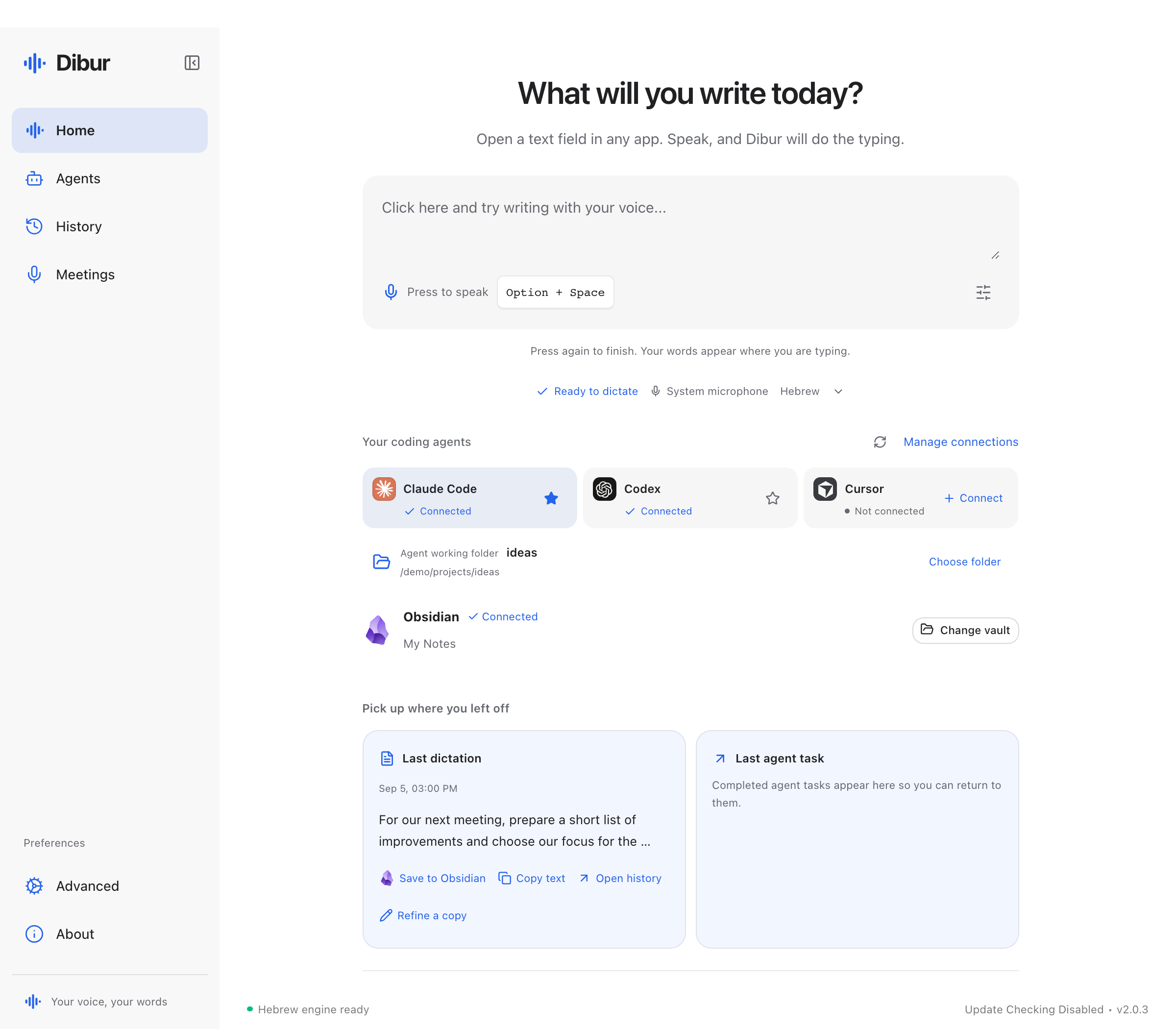
Choose your next step
Four guides. One step at a time.
Know exactly where to click.
8 min read
Install Dibur
Choose the right download, activate Dibur, allow the microphone, and check that your words arrive in a text field.
Read the guide8 min readConnect coding agents
Connect a coding agent on your computer, choose a project folder, and send your first spoken request.
Read the guide7 min readConnect Obsidian
Connect an existing vault to Dibur and save notes you can read, edit, and find after the conversation ends.
Read the guide8 min readRecord meetings
Start a microphone recording, find the saved document, and use optional reminders or reviewed summaries when your version includes them.
Read the guideA tour in pictures
Every screen, in one place.
Open a screen to see it up close. Images contain demonstration data.
Home
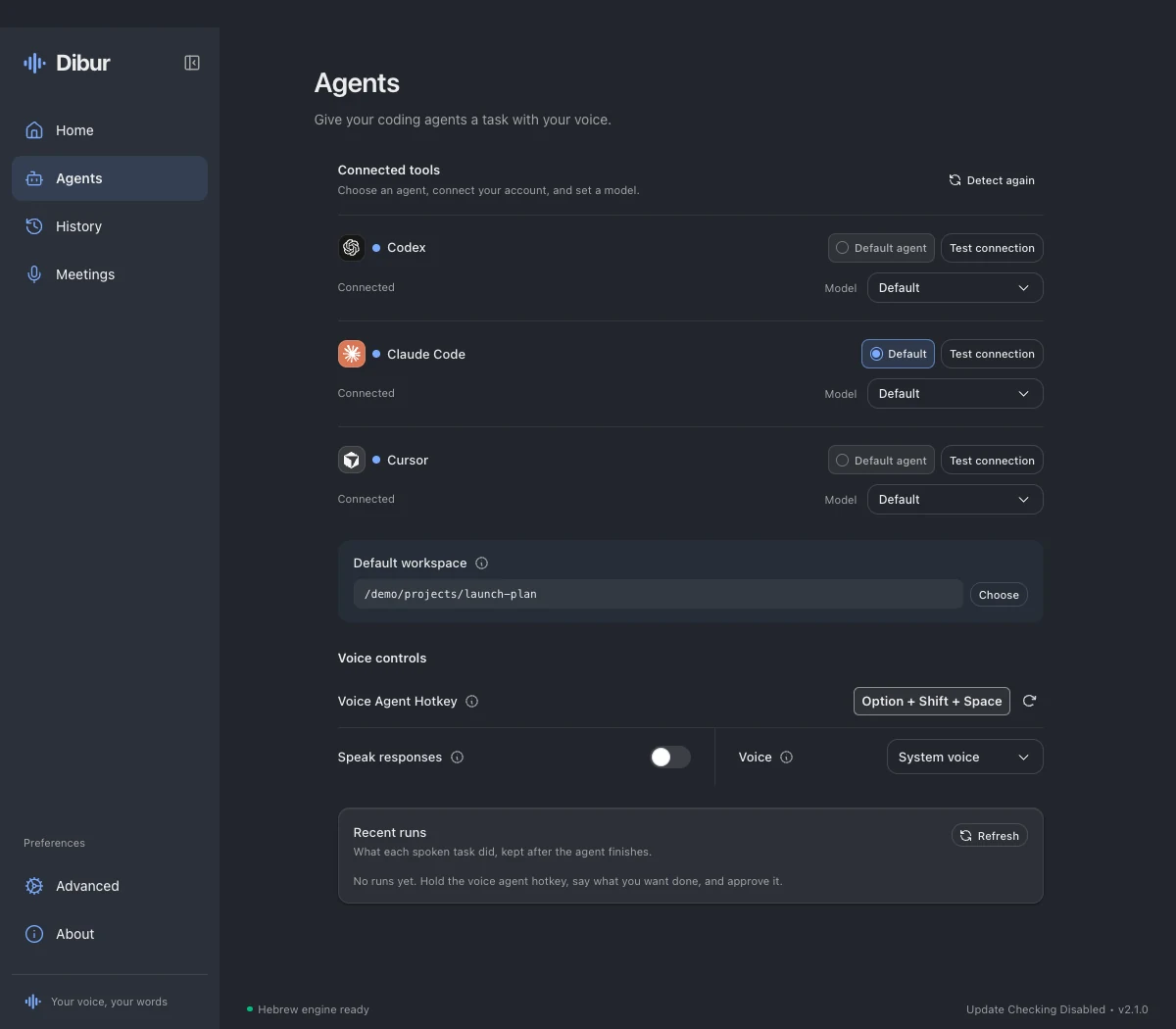 Your agents
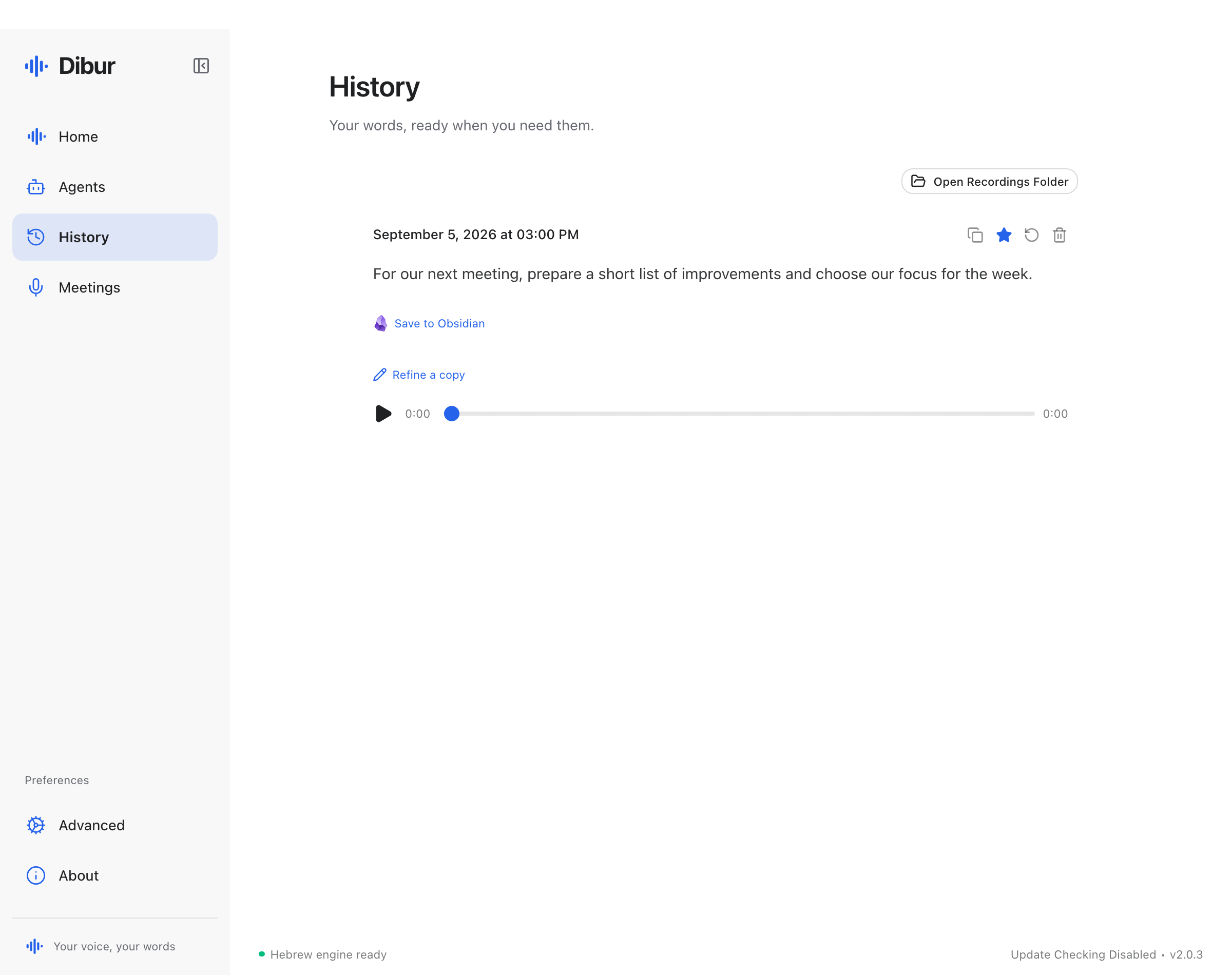 Dictation history
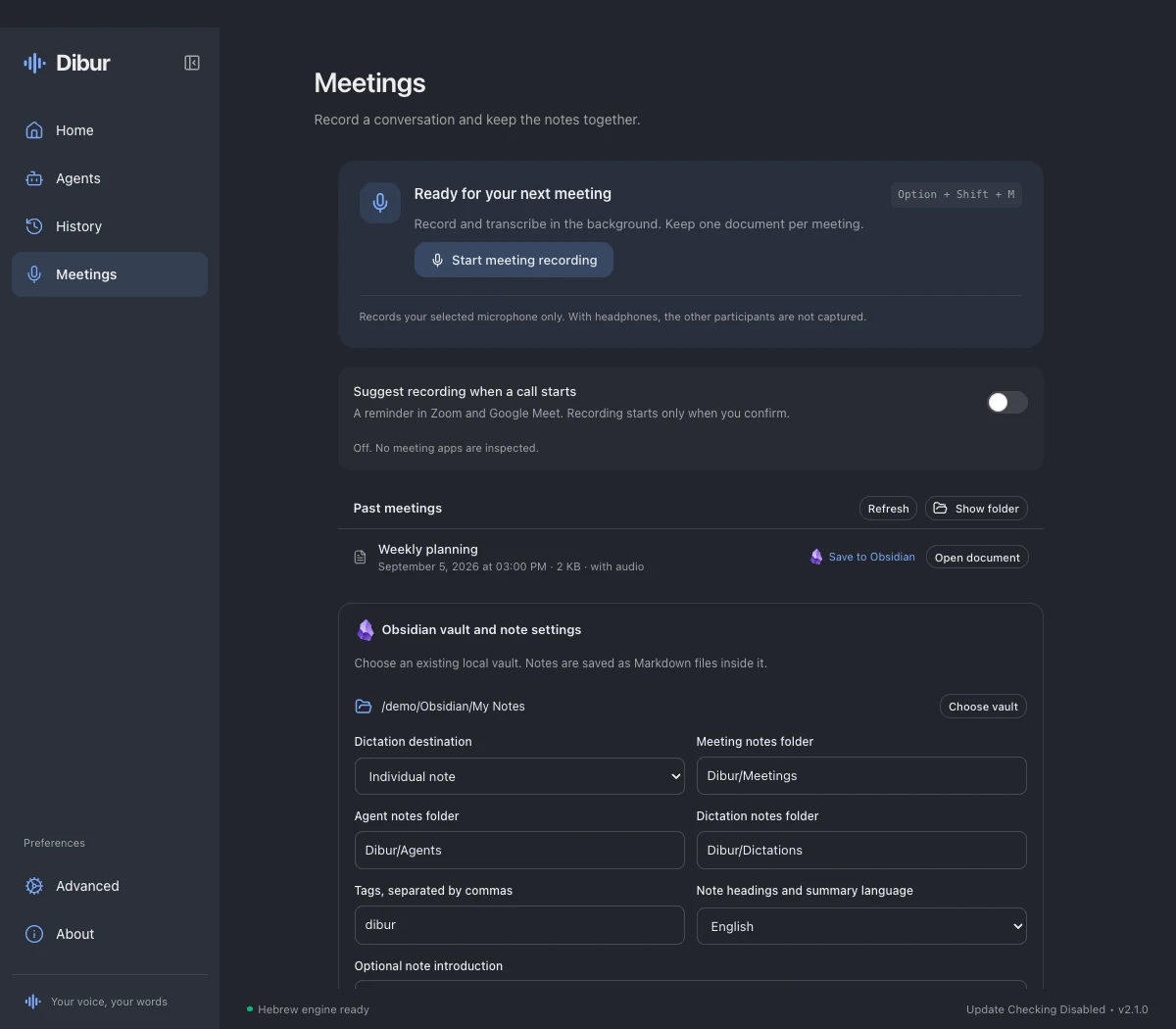 Meetings
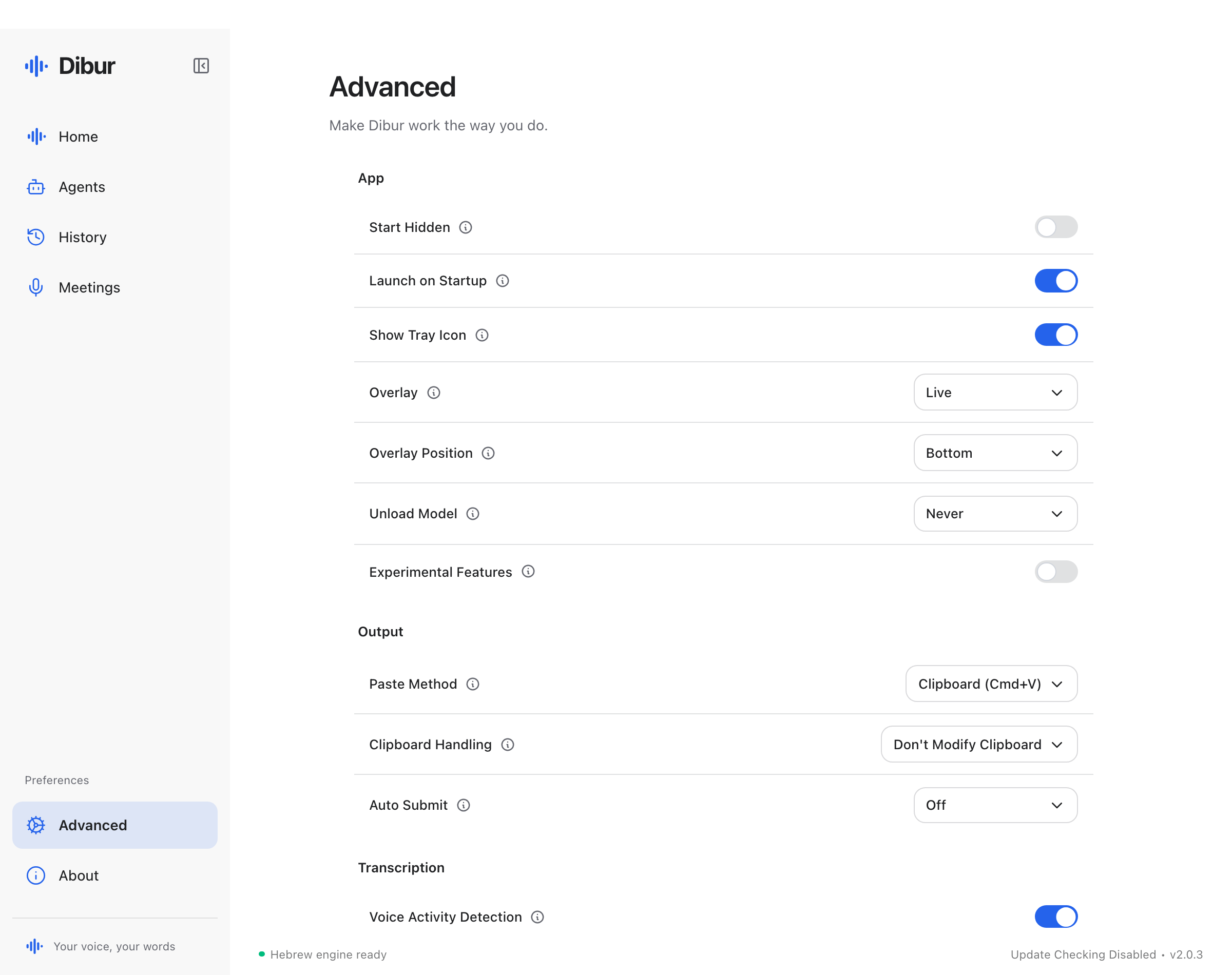 Advanced settings
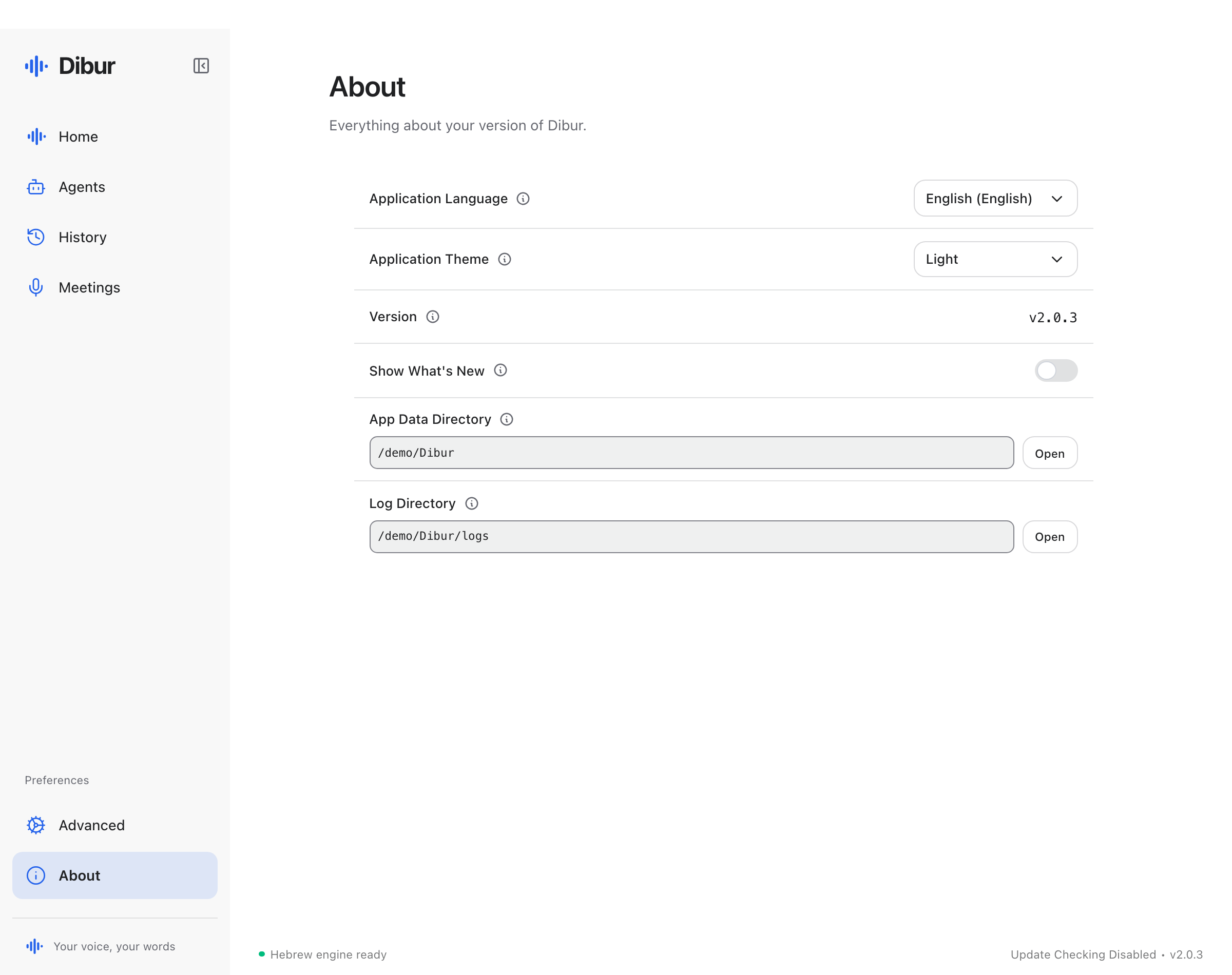 Version and appearance
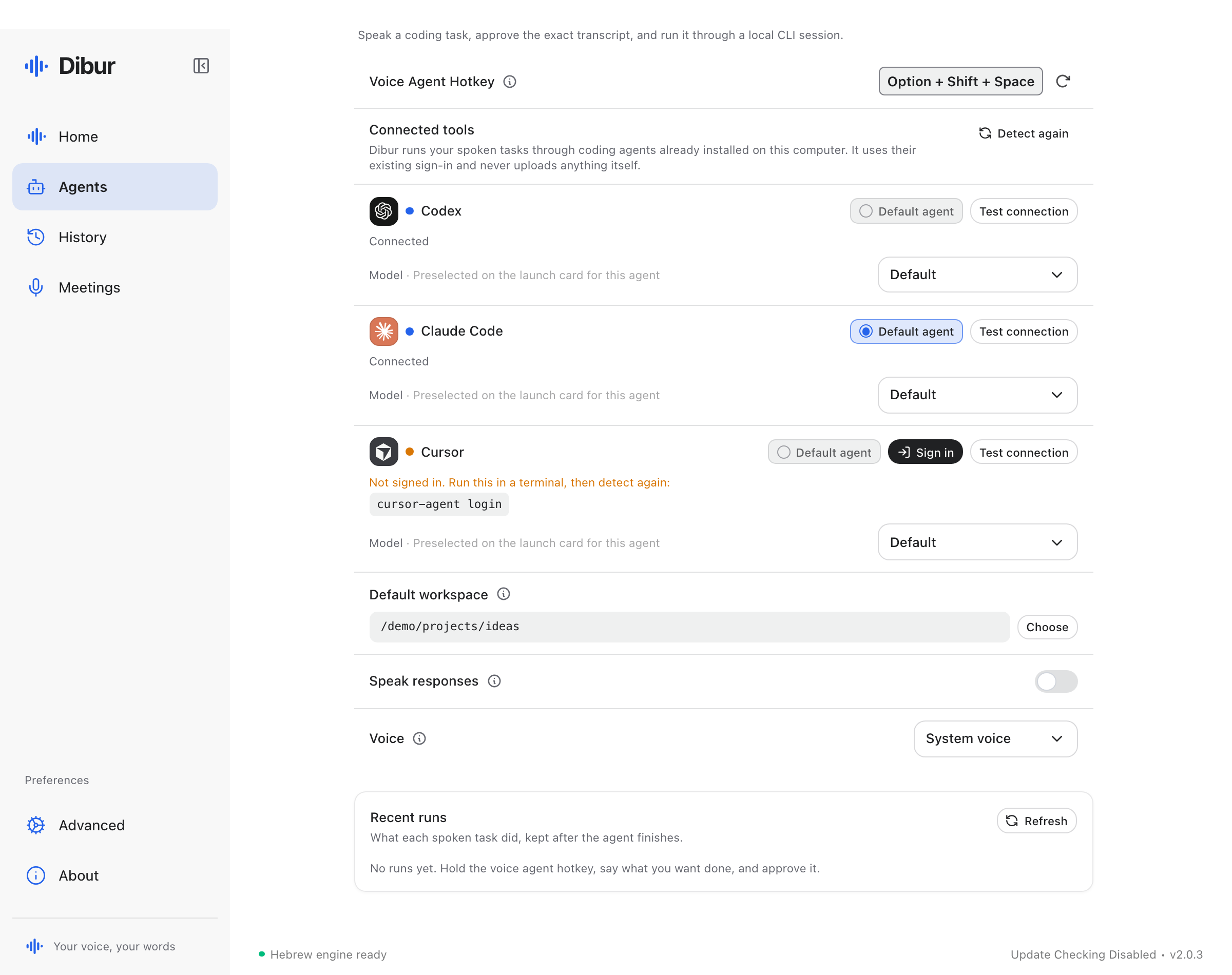 Agent preferences and run history
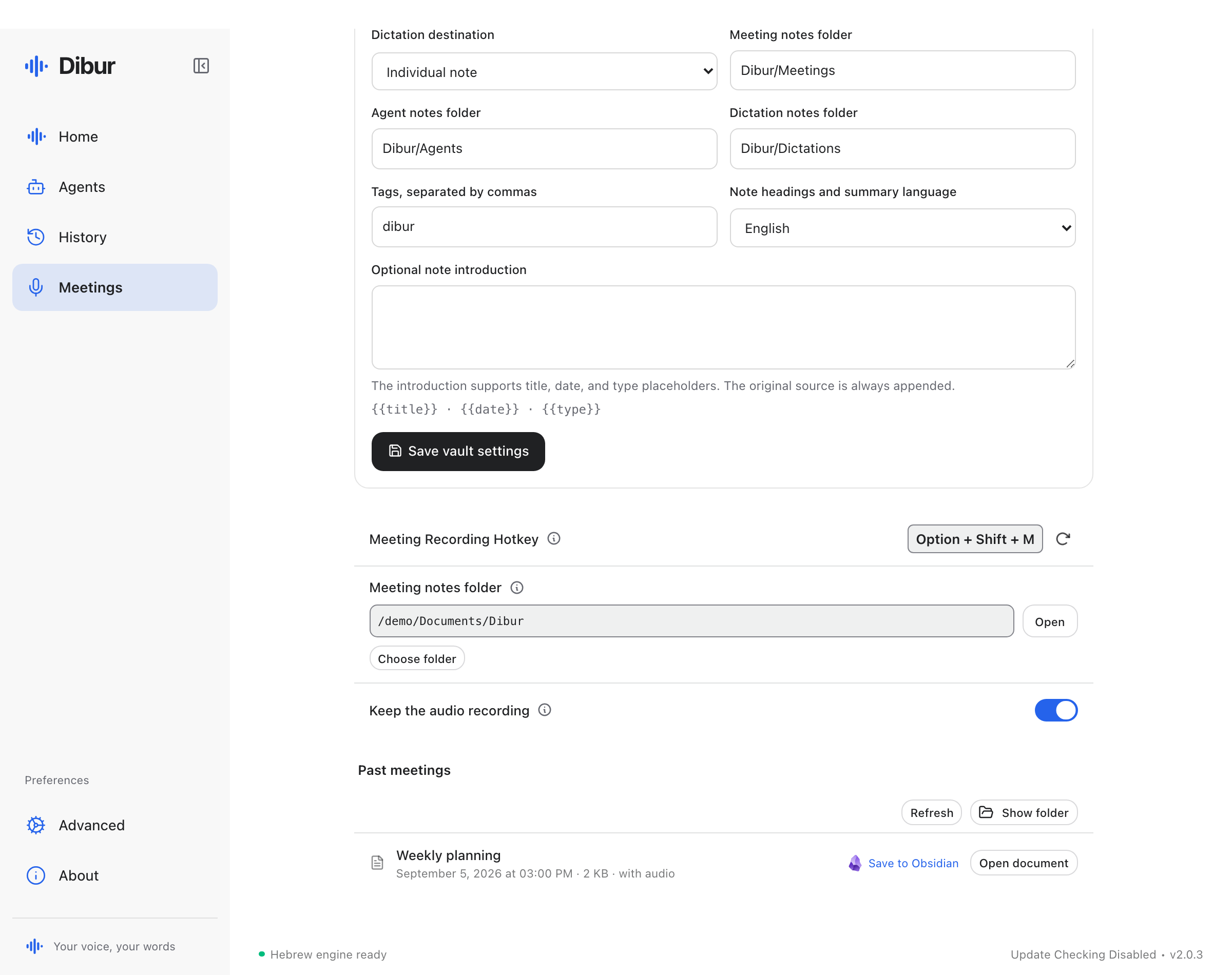 Past recordings and meeting preferences
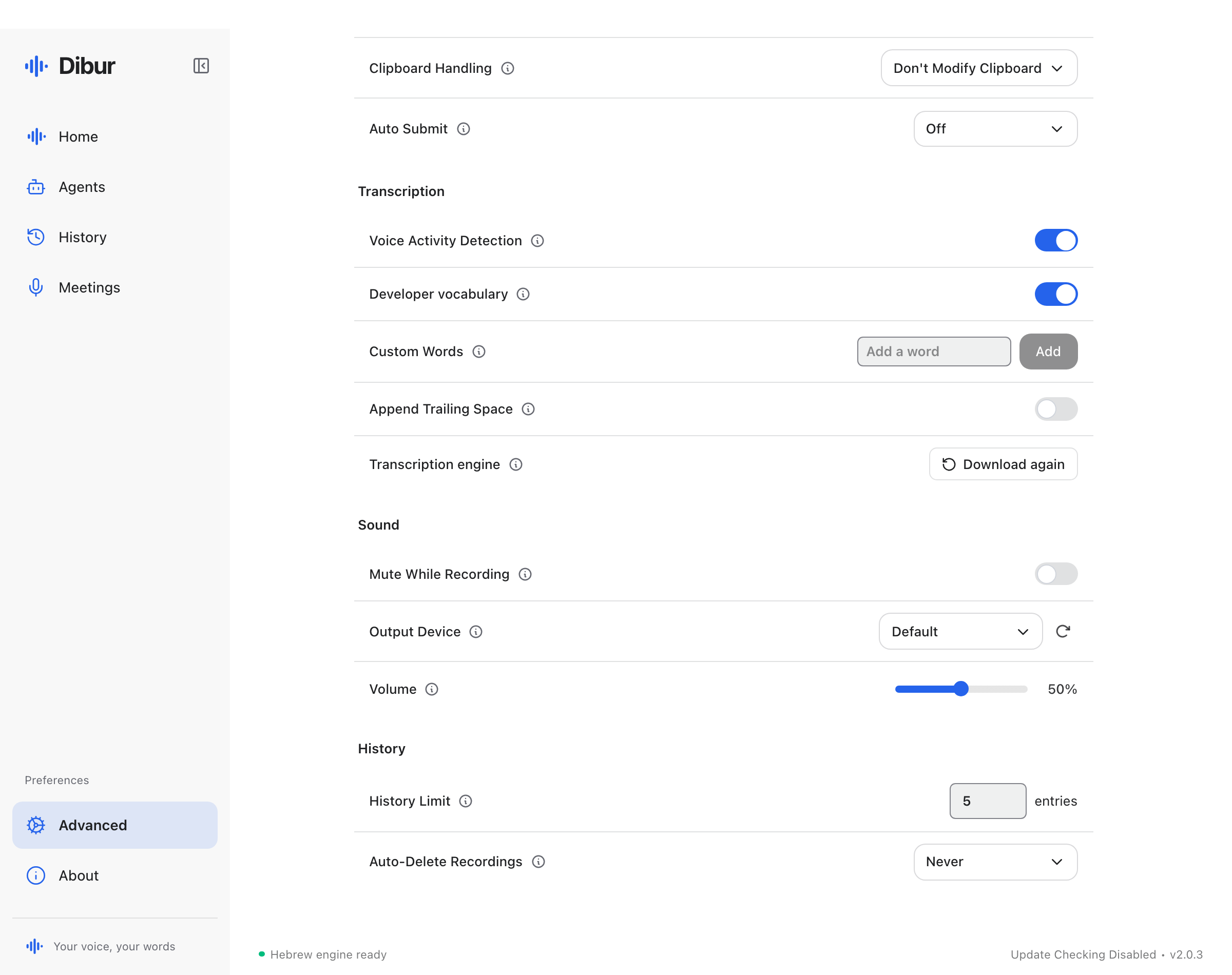 Dictionary, sounds and history retention
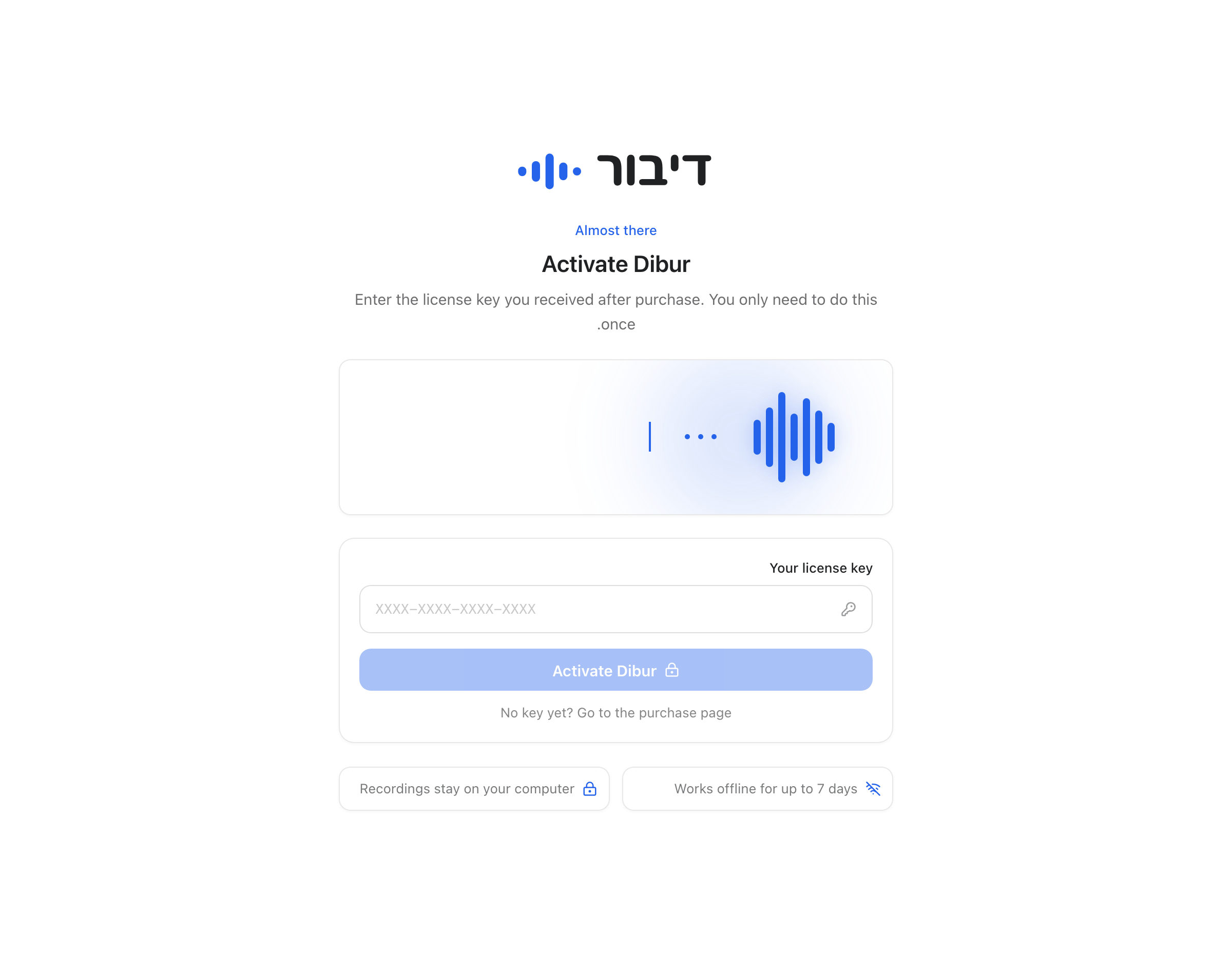 Activate your licence
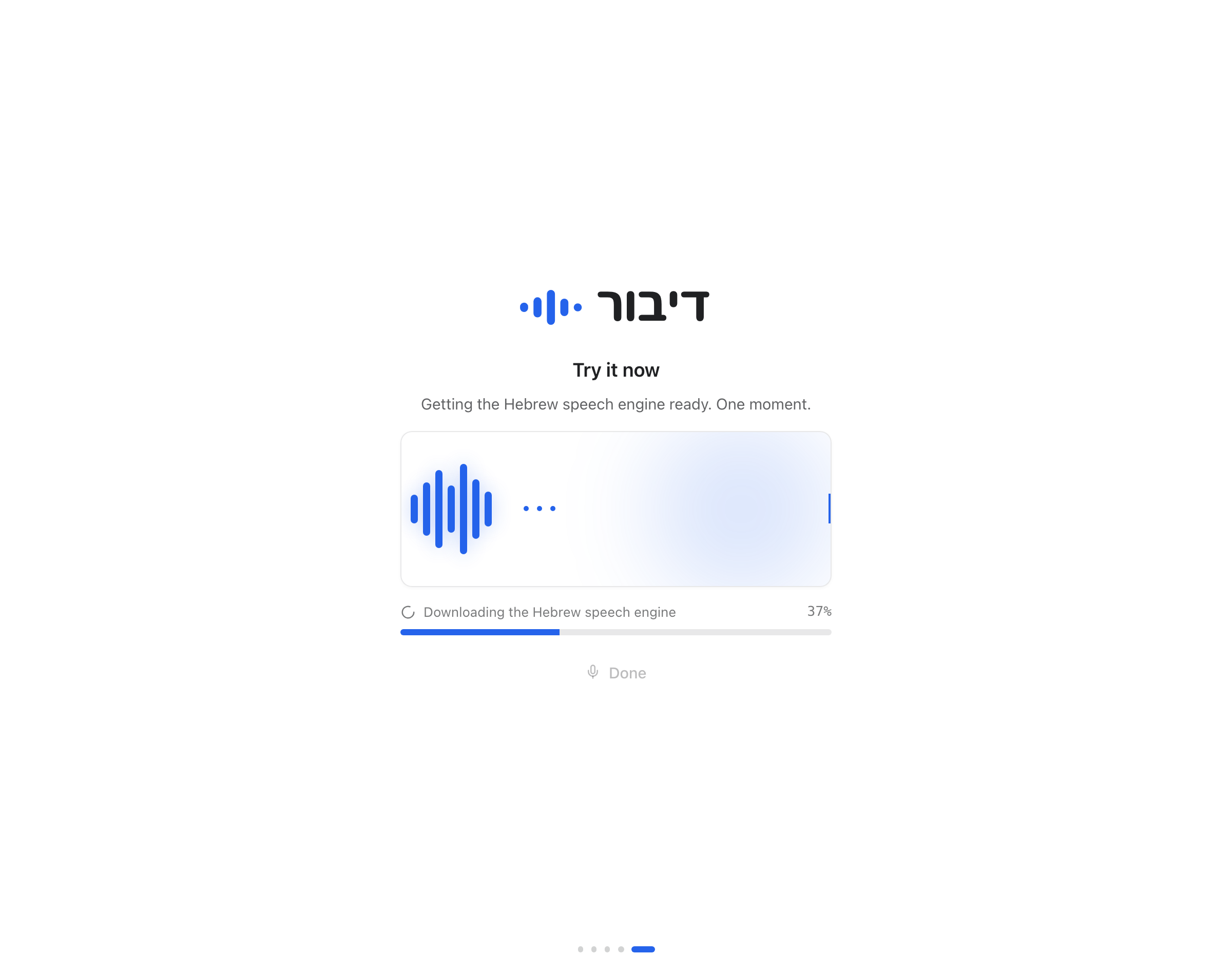 Preparing the speech engine
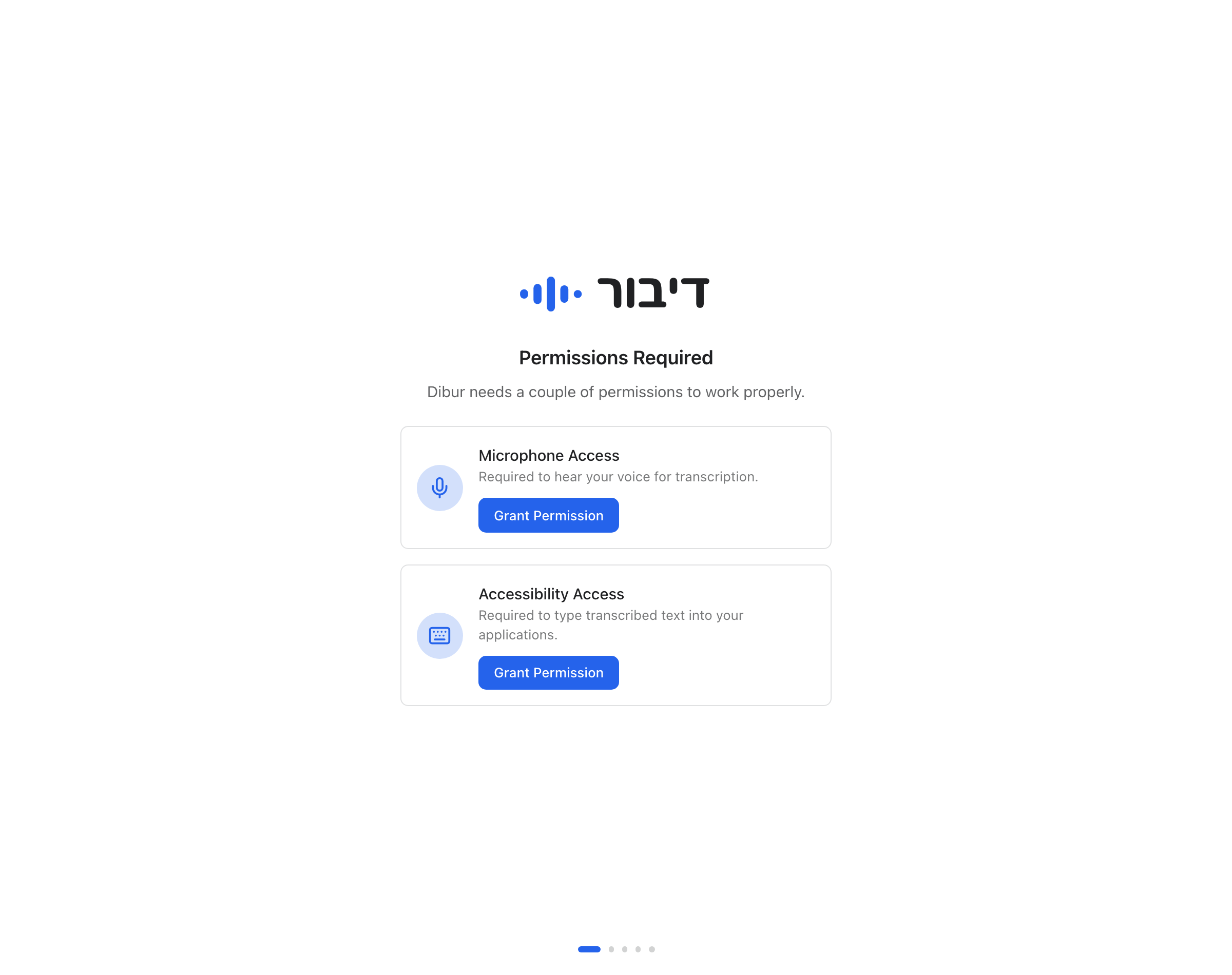 Setup permissions
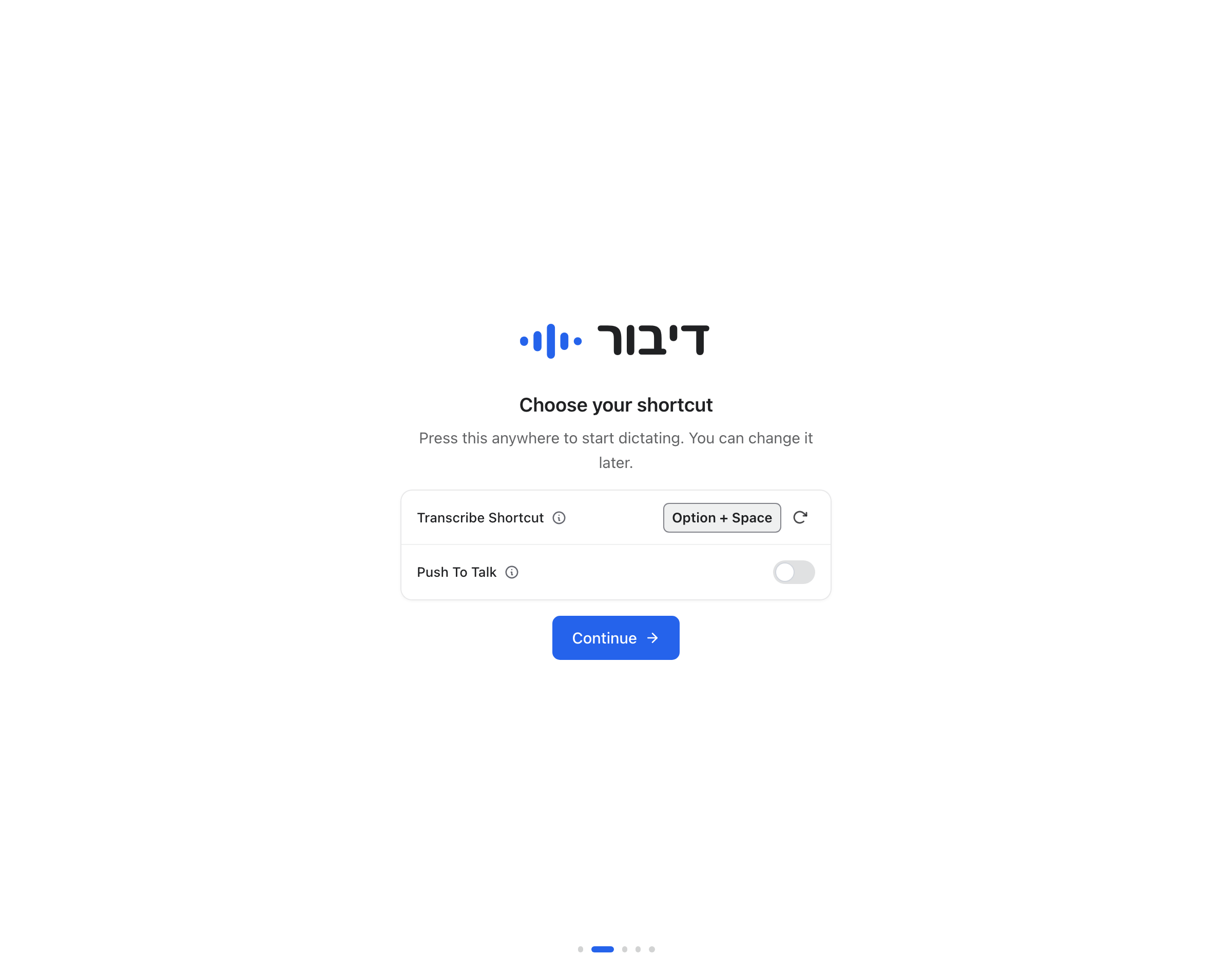 Choose a shortcut
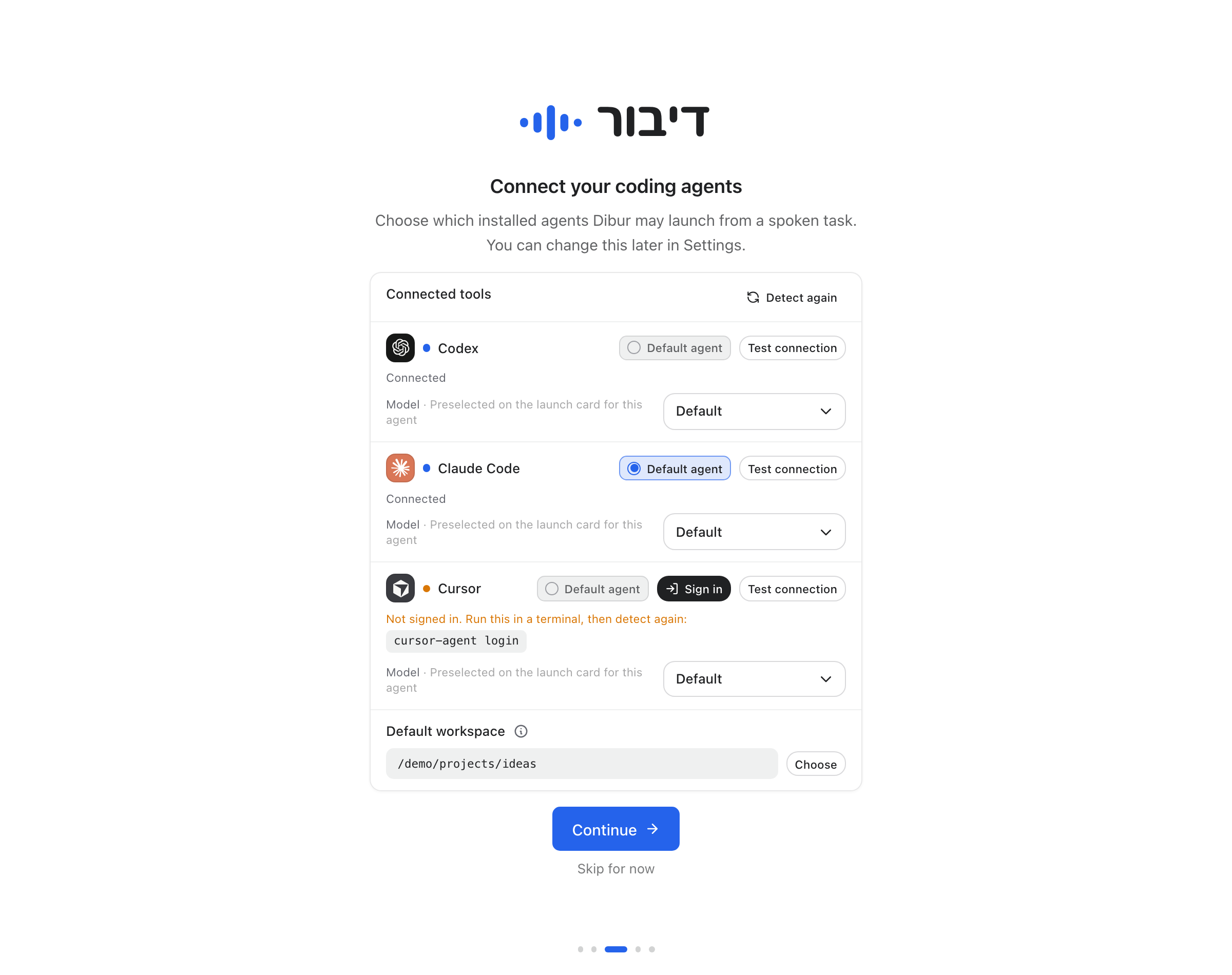 Agent setup
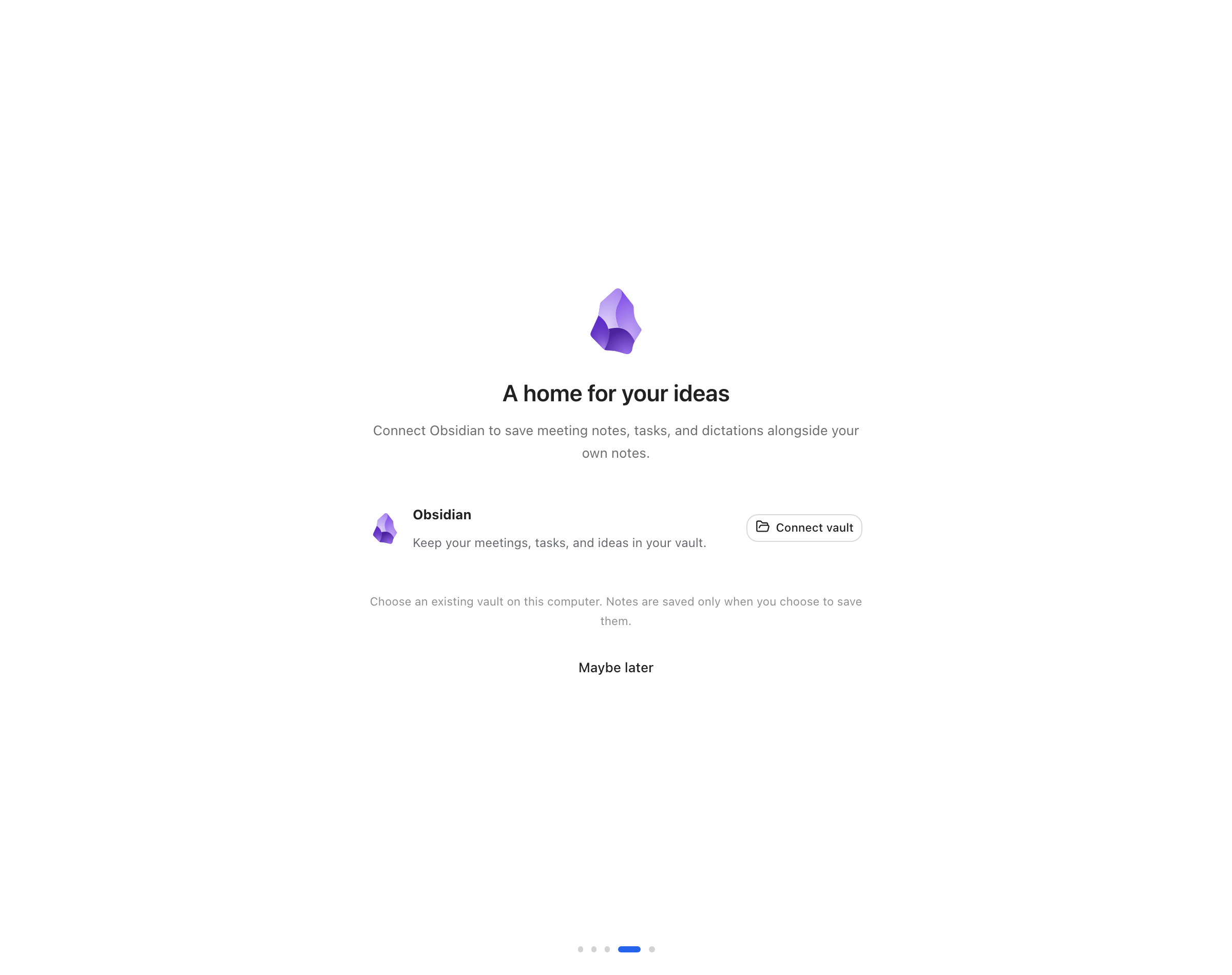 Connect a vault during setup
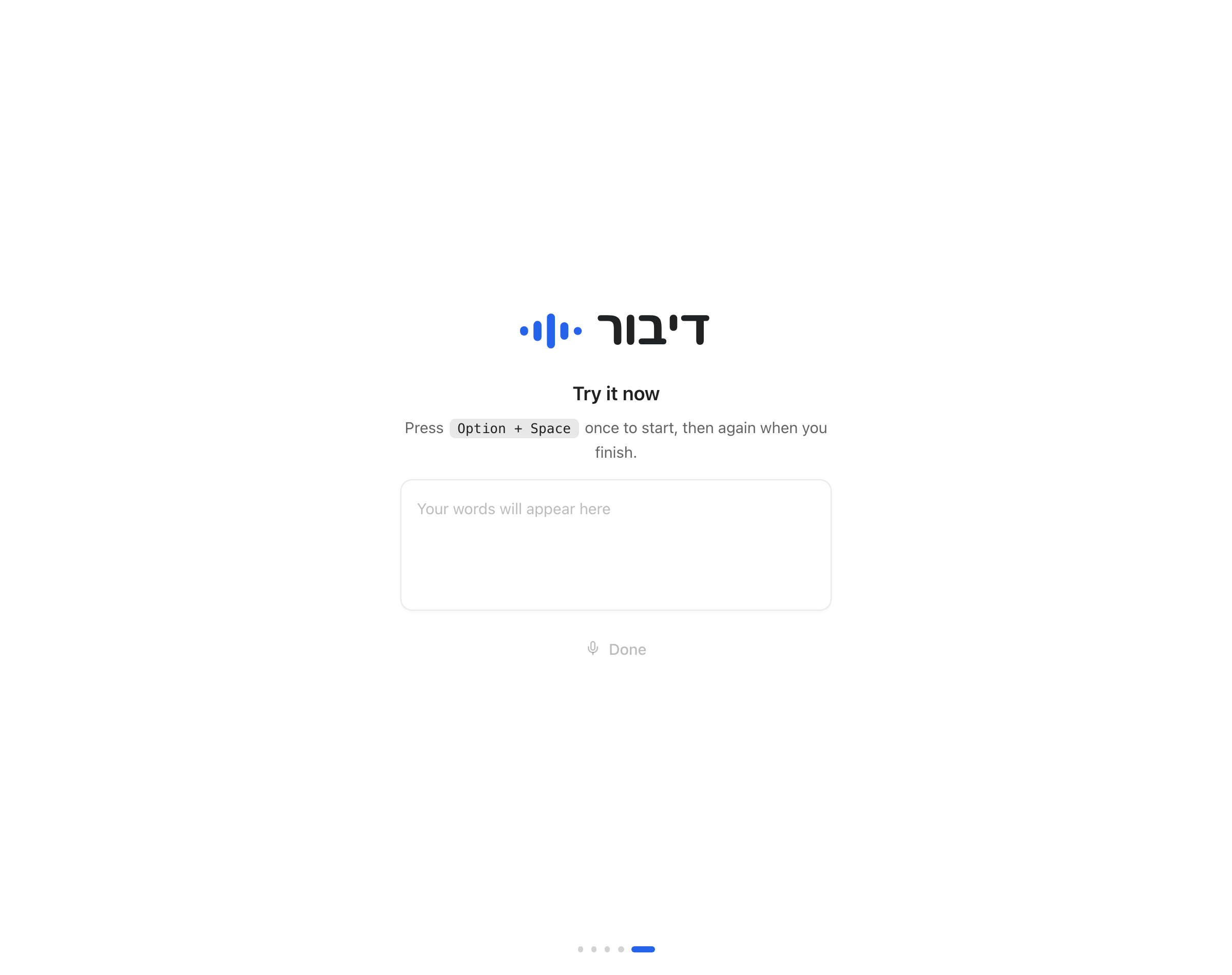 Your first dictation
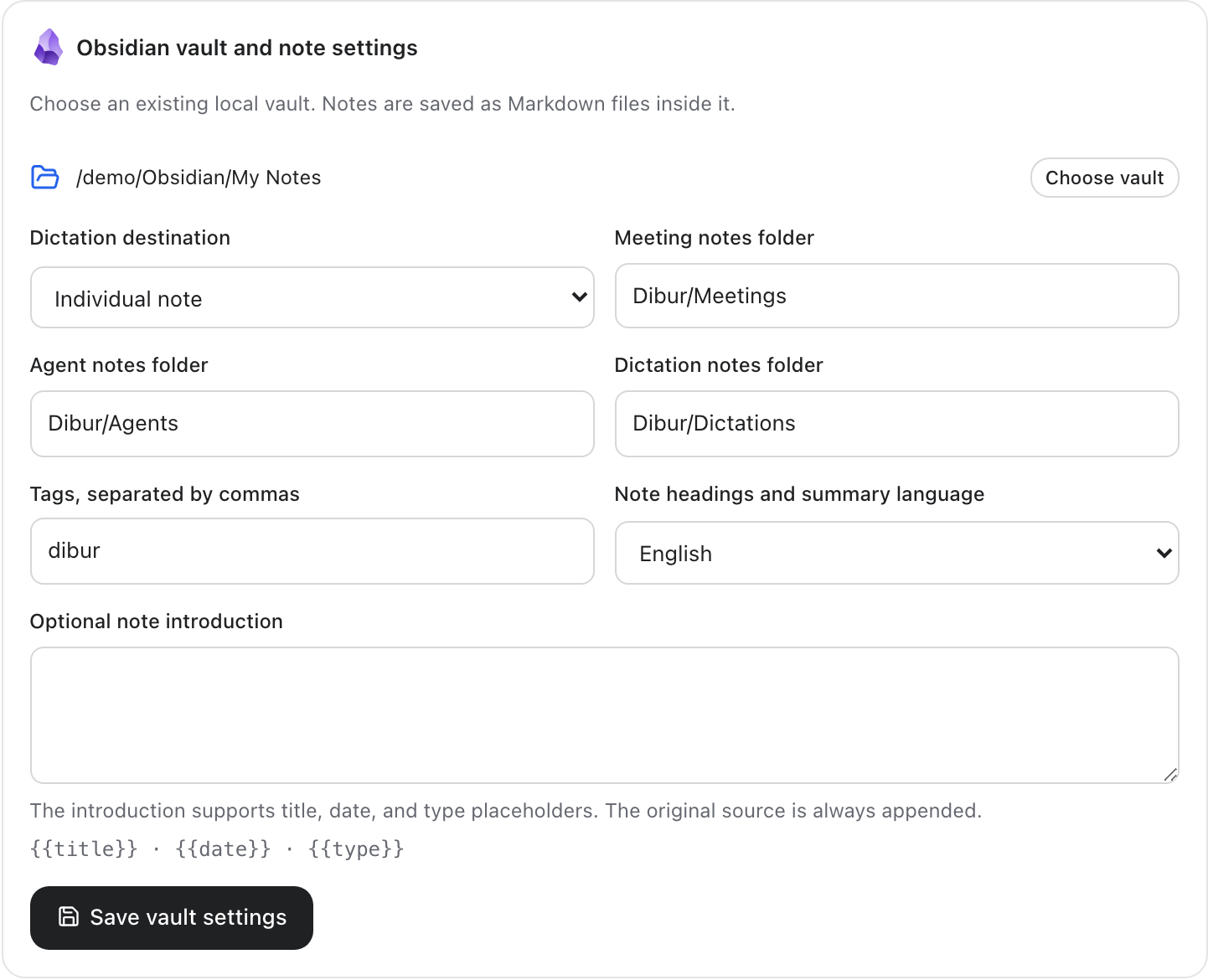 Obsidian settings
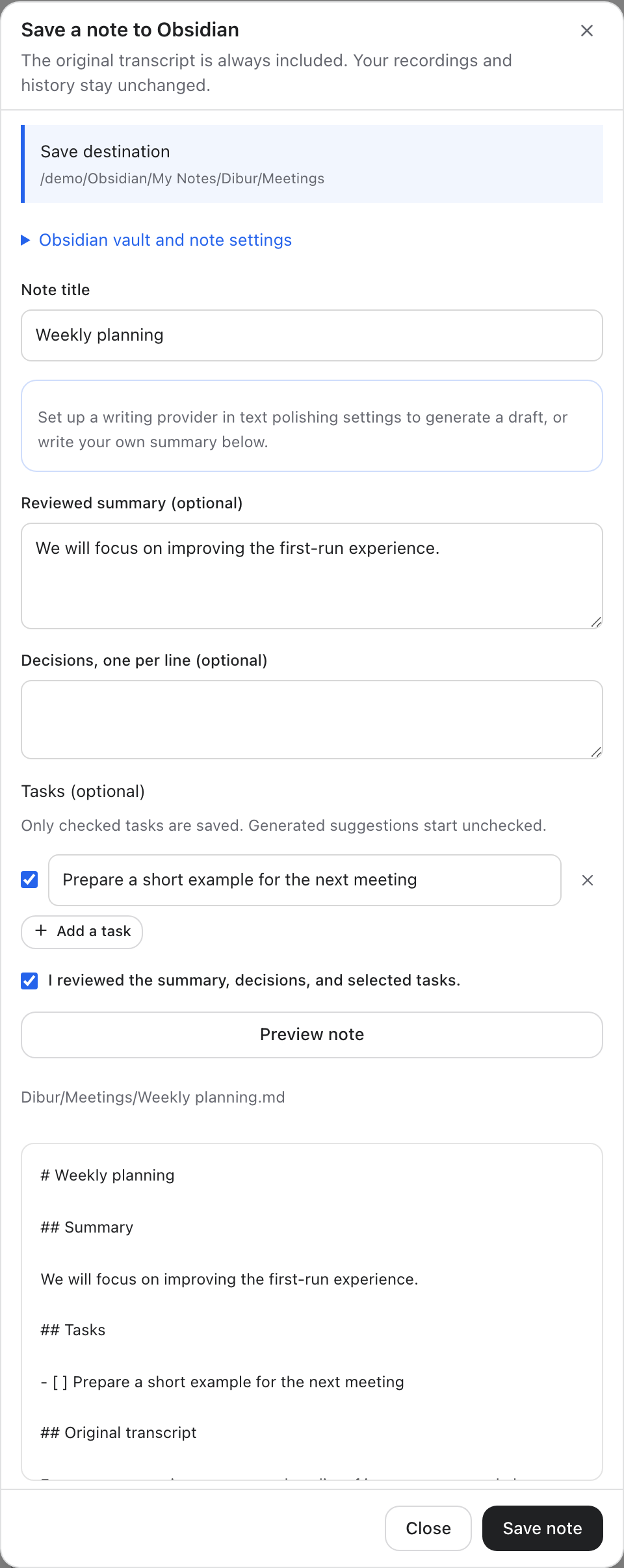 Preview before saving a note
 Recording overlay
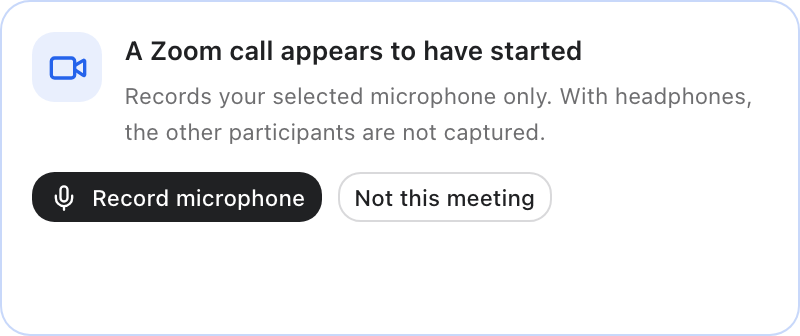 Meeting reminder